
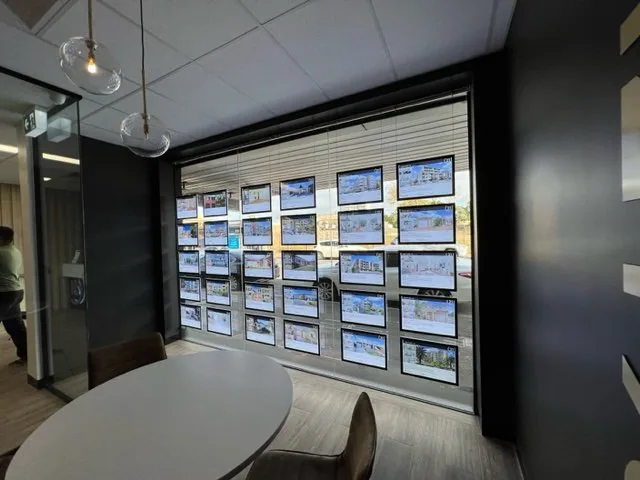
Start with the paper and your printer.
Backlit paper is designed for illuminated property holders. Choose the product for your printer before preparing a batch of listing cards: Premium 180g is compatible with laser and inkjet printers; Transparent 125g is for inkjet printing.
Printing on Premium 180g paper
Print on the matte surface with your artwork in its normal orientation. Mirroring is not required. Tell us your printer model and holder size when ordering so we can discuss your requirements.
Printing on Transparent 125g film
Use an inkjet printer and follow the supplied sheet-loading instructions. The sheets have matte and glossy surfaces. Allow approximately two minutes for the print to dry before handling. Keep fingers off the printable area and protect the paper from moisture and heat.
Check a sample before printing the full window.
Prepare one listing, check the artwork size against your holder and review it in the illuminated display. Check image cropping, text size and any printer scaling before printing the remaining listings. Follow your printer’s instructions for media loading and supported paper settings.
What to send us if you need help
Include your printer make and model, whether you are using Premium or Transparent, the holder size and a photograph of the result. That gives us a useful starting point for discussing print and display requirements.
Compare Premium paper and Transparent film or discuss your paper order.